If you want to rank locally in your service area but are getting outranked by the larger competitors, you might be missing one of the easiest ways to get some visibility in local searches. That is your Google My Business profile. We’ve put together some best practices and some of the best ways to optimize to ensure you are getting some impressions and engagement.
Picking the right primary category.
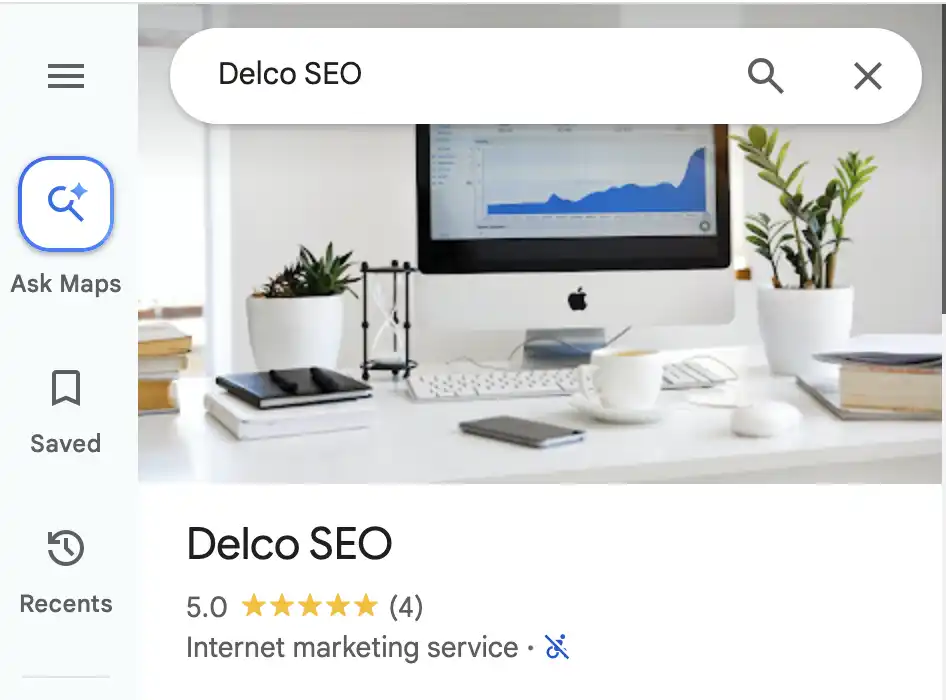
This may seem very straight forward but can have a big impact. Start with looking at your competitors and see what category they are utilizing. The easiest way to do this is by going to google maps. The primary category will be right under the main image and reviews.
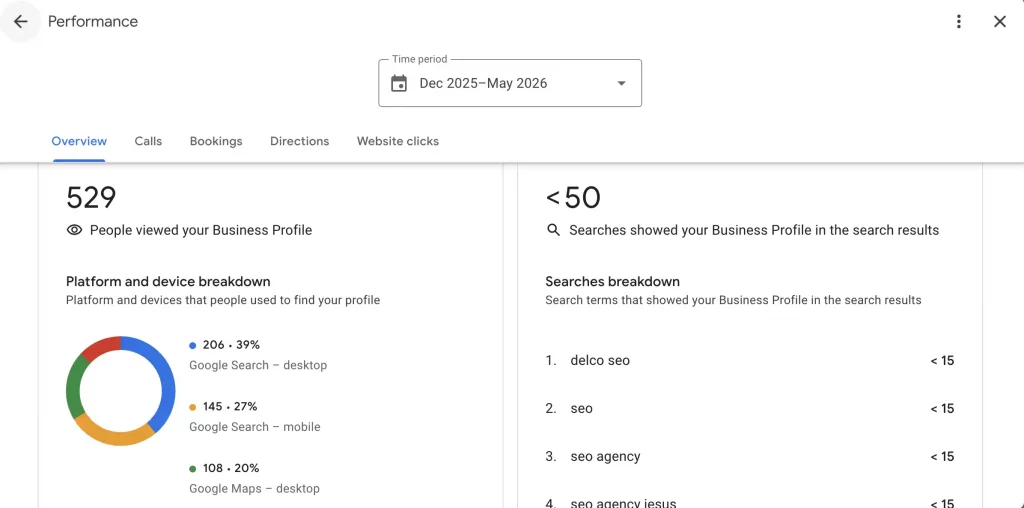
You can also check the searches and queries report. Within your Google My Business profile, click on the performance tab and scroll down to view the report on the right side. That in combination with cross referencing those searches with a keyword tool such as SEMRush’s keyword magic tool or Google Ads keyword planner will help you make a determination as to the search volume for various search terms and keywords.
Lastly, here is the list of the updated GMB categories for 2026. You can search by using the control-F feature and see if the term you want is available on the list. Please keep in mind that Google changes/updates these categories fairly often so it is always good to check back to ensure your profile stays up to date.
Ensure your description is complete and accurate.
The description in your GMB profile is one of your first impressions on the users and is utilized by the search engines to determine if the user’s search intent is a good match with your profile. Be descriptive and ensure your message clearly describes your brand and reflects your vision, what you offer, the benefits, and why they should choose you over any competitors. Now you only get 750 characters so keep it short and to the point.
Remember the goal here is to bring them to the water. Not to make them drink yet. That is where your website will come in. You are just giving them an overview of your business at first.
Get consistent reviews
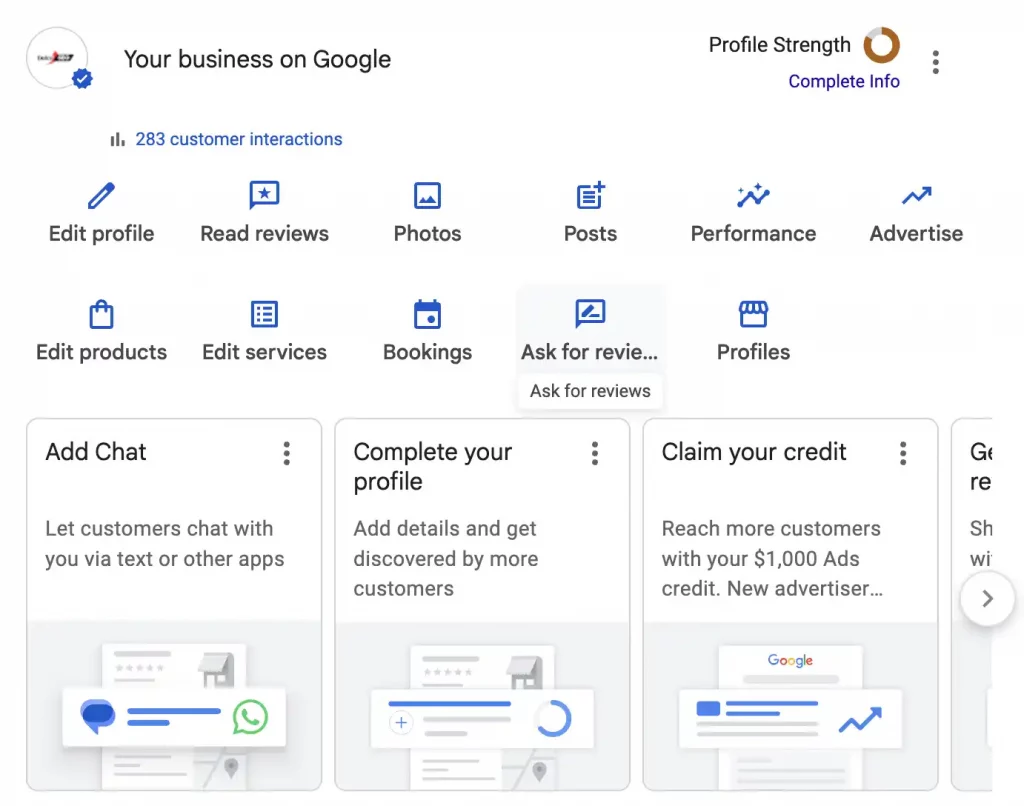
Reviews are not easy to get but are extremely valuable. It shows a form of verification and that your business is credible. Once you login to your GMB profile, there is a button “ask for review”. Clicking on that will give users the direct link to your profile to leave a review. Two things to keep in mind. First, don’t try and get a bunch of reviews all at one time. That will look suspicious not only to Google but to users as well. Second, it’s ok if all reviews are not five stars. That shows transparency and that you are not trying to “stack the deck” with only top reviews. The key is to respond to all reviews to show you care about your customers and their satisfaction. So slow and steady wins the race. If you are able to have users place keywords in the review copy, that is a bonus. For example, for HVAC a user might write “we used XX for our air condition repair when our system failed…”. According to a 2024 Forbes article 98% of users read reviews prior to making a purchase.
List services area that match what your website has listed.
What is on your GMB profile should be consistent with what is on your website. If the service areas listed are different, the search engines and AI agents see those inconsistencies and may push the results lower or might not list them because it cannot verify the exact locations. Whether it is local citations/business listings, your website, or your GMB profile, everything including NAP (name, address, phone number), hours of operations, etc. should all be the same across the board.
Ensure your profile is complete.
The more complete your profile is, the more information has to rank you with the proper query and audience. This includes opening date, special hours, from the business, accessibility, amenities, crowd, parking, planning, service options, and more. A good example is profiles are ranked by when they are open. For example, if there are two urgent care centers and one is closed at 8pm and the other ones closes at 10pm, the one that is open later will rank between the hours of 8-10. Makes sense if you think about it right! Why would the search results show businesses that are closed first. Now, that does not mean you should lie about your hours. The last thing you want is for users to show up and you are closed. They can post that and force an update to your profile. In addition to just the overall frustration. Especially with urgent care as time is of the essence.
Overall, your Google My Business profile can really make an impact with local SEO if optimized properly. The steps above are fairly easy to implement but it is always good to have an SEO expert review to optimize ensuring you are giving your business the best chance of increasing visibility within specific service areas. They will also have the tools to monitor rankings, check for keyword volumes and category changes, and ensure Google is not applying auto-updates that are not in the best interest of the business.
